
How to Verify a Nagpur Project on MahaRERA: Step-by-Step Guide
Open the MahaRERA project page, compare seven fields — registration number, project name, promoter name, site address, carpet-area disclosure, possession date and project status — line by line against the builder's brochure and agreement, and pause if anything does not match.
MahaRERA property verification Nagpur needs a clear goal, written evidence and an independent check before payment. This guide turns those steps into a practical buyer workflow.
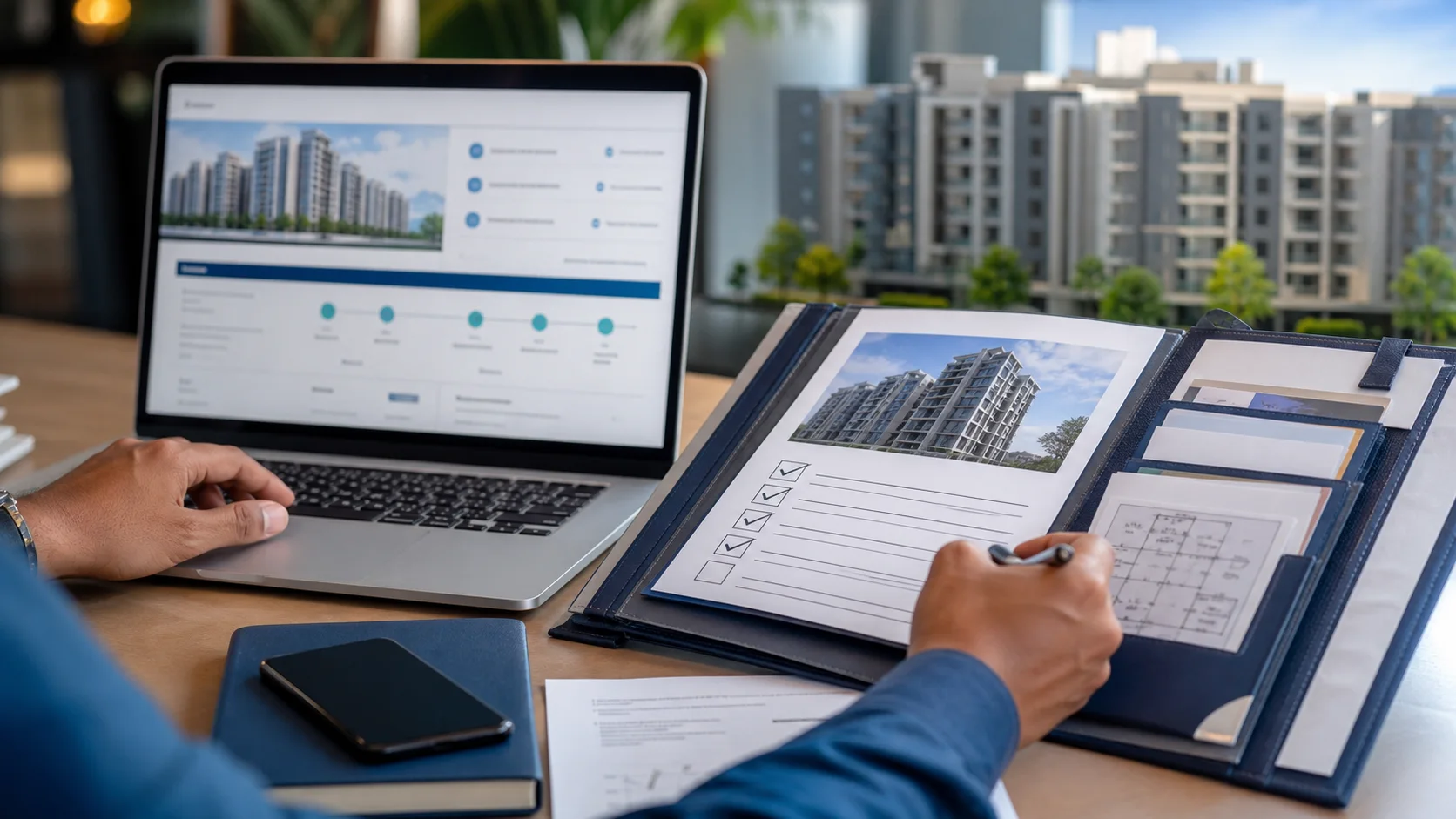
MahaRERA property verification Nagpur: quick buyer summary
Related questions covered: MahaRERA project search Nagpur, how to check RERA project in Nagpur, and RERA registration Nagpur. First, shortlist with evidence. Next, compare like with like. Finally, record every promise in writing.
What MahaRERA registration actually tells you
Direct answer: MahaRERA registration proves a Nagpur project has disclosed its legal title, sanctioned plans, promoter details, and a committed possession date on the state register. It is a non-negotiable filter for any apartment purchase, but it is not a substitute for an independent title check, encumbrance review, or lawyer's verification. Treat it as the first gate, not the last.
The Maharashtra Real Estate Regulatory Authority was set up under the Real Estate (Regulation and Development) Act, 2016. For any project in Nagpur — whether in NIT limits, NMRDA jurisdiction, or NMC areas — the builder is required to register before advertising or accepting bookings. You can confirm any registration yourself on the MahaRERA project portal. Source: MahaRERA project registration rules, retrieved September 2026.
The exact fields to compare on the MahaRERA project page
Direct answer: Open the project page on MahaRERA and compare seven fields line-by-line against the builder's brochure and the agreement draft: registration number, project name, promoter name, site address, carpet-area disclosure, possession date, and current project status. Any mismatch is a reason to pause until the builder reconciles it in writing.
A practical walk-through:
- Registration number. It must appear in the format P521000xxxxx on both the brochure and the portal. If the format is wrong, the builder may be quoting a state other than Maharashtra.
- Project name. Watch for near-duplicates — some builders run a "phase 2" with the same brand name as a separate registration. The exact project you're booking must be the one that is registered.
- Promoter name. This is the legal entity, not the marketing name. If your agreement is with a different entity than the one on the portal, the project is unregistered in the name you're contracting with.
- Site address with CTS / plot number. A vague address is a red flag. The portal should disclose the survey or CTS number that matches the title deed.
- Carpet-area disclosure. MahaRERA mandates that agreements quote carpet area, not just super built-up. If your draft uses only super built-up, push back.
- Possession date. This is the legally binding commitment. Anything longer than the builder promises verbally is irrelevant.
- Project status. Active, completed, or withdrawn. "Withdrawn" or "cancelled" registrations are deal-breakers.
Save the portal page as a PDF the day you pay the booking amount. If you ever need to file a complaint, this snapshot is your evidence.
What MahaRERA registration does not cover
Direct answer: MahaRERA does not certify the project's title history, does not check the builder's financial health beyond a disclosed audit, does not guarantee possession, and does not act as a title insurer. It also does not apply to plots in unbuilt layouts — for plots, the equivalent checks are the NA order and the layout approval from NIT or NMRDA.
This is the part most first-time buyers miss. The Authority can penalise a builder for delay, false advertising, or non-disclosure. It cannot return your money if the building is delayed by three years. It cannot help you if the land has a 1962 encumbrance that surfaces during registration. It also does not cover projects where the builder has not registered — meaning any builder quoting a "soon-to-be-registered" project is asking you to take a legal risk without statutory protection.
The full due-diligence track for plots, including NA order, 7/12, and layout approval, lives in the documents checklist guide.
How to verify on the MahaRERA portal in 10 minutes
Direct answer: Go to the project search page, search by the project name or registration number, open the project page, and download three artefacts: the project registration page, the latest quarterly progress update, and the agreement draft that the builder is required to upload. Compare each line of the agreement to the portal data before signing.
- Open maharera.maharashtra.gov.in.
- Click Registered Projects and search by name or registration number.
- Open the project page and capture the project details, promoter details, and possession date.
- Open Project Updates to see the latest quarterly filing — frequent filings indicate an actively managed project.
- Open Documents and download the agreement draft, sanctioned plan, and title documents the builder has uploaded.
- Save screenshots with timestamps. They serve as your baseline evidence.
If the project does not appear, or any required document is missing, treat that as a hard stop until the builder reconciles it.
Common MahaRERA-related red flags to watch for
Direct answer: Watch for a project whose name on the portal differs slightly from the brochure, a registration that has been "withdrawn" or "cancelled" in the past, a possession date that has been revised more than twice, a builder with no prior completed projects, or an agreement draft that does not match the carpet-area disclosure on the portal. Each of these is a reason to slow down.
| Red flag | What it signals | Action |
|---|---|---|
| Name mismatch (e.g. "Greens" vs "Greens Phase 2") | Different project, different RERA number | Confirm the exact registration matches your booking |
| Possession date revised 3+ times | Builder missing original commitment | Ask for the latest revised commitment in writing |
| Carpet-area figure lower than brochure | Marketing-vs-disclosure gap | Insist on carpet-area in the agreement |
| No quarterly progress updates for 2+ quarters | Possible project slowdown | Visit the site to confirm physical progress |
| Promoter has no completed projects | First-time builder risk | Independent legal review is essential |
| Project status "withdrawn" | Registration cancelled | Do not book; recover any deposit under RERA refund rules |
How this verification connects to your physical site visit
Direct answer: The MahaRERA portal tells you what the builder has committed to. The site visit tells you what the builder has actually delivered. The two together — not either alone — are how you decide whether to book. A registered project with stalled construction is just as risky as an unregistered project with shiny brochures.
When you visit, take the MahaRERA registration page with you and verify the project name on the construction board at the site matches the portal. Builders sometimes co-brand multiple projects at one location. The full physical-inspection checklist is in the flat site visit and possession checklist.
Where MahaRERA sits in the broader buyer workflow
Direct answer: MahaRERA verification is step three of a six-step buyer workflow: define the brief, shortlist the project, verify on MahaRERA, audit documents, inspect the site, then lock the loan. Skipping step three to save time is the single most expensive shortcut a Nagpur buyer can take.
The complete workflow, including budget sizing, loan discipline, and registration steps, lives in the complete 2026 Nagpur buyer guide.
What to do if MahaRERA reveals a problem
Direct answer: If the registration status is "cancelled" or "withdrawn", do not pay. If the data fields mismatch the agreement, ask the builder for a written reconciliation before signing. If the agreement draft is missing from the portal, ask for it before paying any booking amount. MahaRERA's complaint portal allows online filing, but the better outcome is to resolve discrepancies before money changes hands.
The complaint portal on MahaRERA is accessible from the homepage. For title defects or document gaps that MahaRERA cannot resolve, engage a property lawyer registered with the Bar Council of Maharashtra & Goa.
Quick checklist: MahaRERA verification before you book
- [ ] Registration number matches between brochure, portal, and agreement
- [ ] Project name exact-match (no "Phase 2" or branding drift)
- [ ] Promoter name exact-match (legal entity, not marketing name)
- [ ] Site address and CTS / plot number match the title deed
- [ ] Possession date is the one the builder is promising you
- [ ] Carpet-area disclosure matches the agreement draft
- [ ] Project status is "active" (not "withdrawn" or "cancelled")
- [ ] Latest quarterly update is recent
- [ ] PDF snapshots of all the above saved with timestamps
Editorial standards and sources
Reviewed September 2026. Statistics and fees reference the MahaRERA portal, IGR Maharashtra, and RBI public disclosures at the time of writing; always verify on the live portal before booking.
Primary sources cited in this article:
- MahaRERA project registration portal — registration status, project updates, model agreement draft.
- MahaRERA project updates — quarterly progress filings.
- Inspector General of Registration, Maharashtra — encumbrance and title records.
Projects referenced:
- Siddhivinayak Embassy 10 — verify its current registration status on MahaRERA.
- Siddhivinayak Residential I — completed project; verify its RERA history for past delivery track record.